

Smart home screen
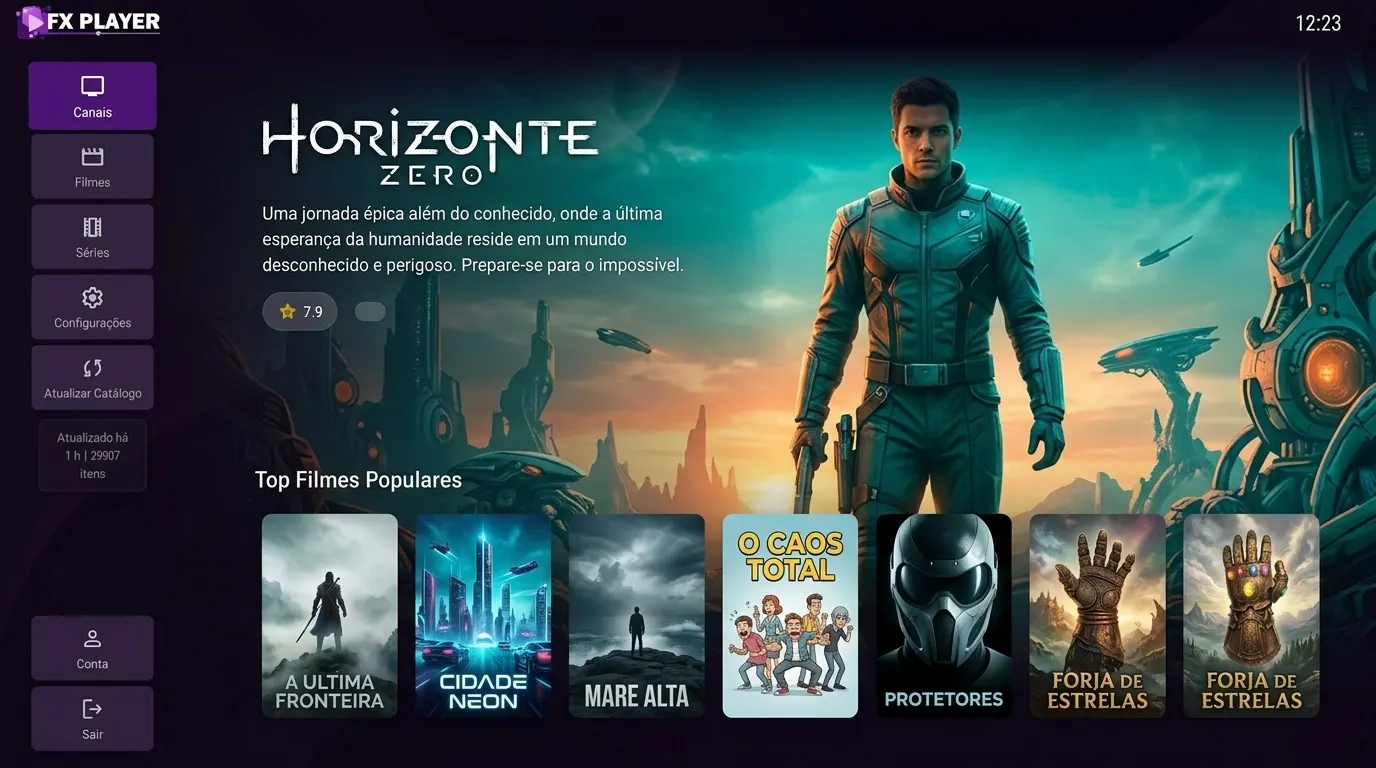
Dynamic banner and carousels with trending titles, cross-checked against what your playlist actually has.
Covers, synopses, a live TV guide, subtitles that actually work and a catalog organized like you have never seen. For LG, Samsung and Windows.
FXTV Player is only a media player for M3U and Xtream Codes playlists. We do not provide, host or sell any kind of content.
Why FXTV Player
Movies and series often carry subtitles and multiple audio tracks embedded in the file, and most TV players cannot read them. FXTV Player uses the TV’s native decoder and shows every available track.
Adjust subtitle size, color, background and position. Your preferences are saved.
Subtitles and audio
Subtitle style
If a channel freezes, FXTV Player detects it within 10 seconds, reconnects and, if needed, switches on its own to another source or quality of the same channel. You keep watching without touching the remote.
Same quality first, then the alternative. All automatic.
Reconnecting… 1/2
"Sports+ FHD", "Sports+ HD", "Sports+ SD²"… FXTV Player merges the variants of the same channel into a single item, with the best quality up front. Want another? One click opens the picker.
A list with thousands of entries becomes a genuinely clean one.
Before
After
App screens
Demo captures with fictional content. What shows up in your app is the catalog from the server you add.
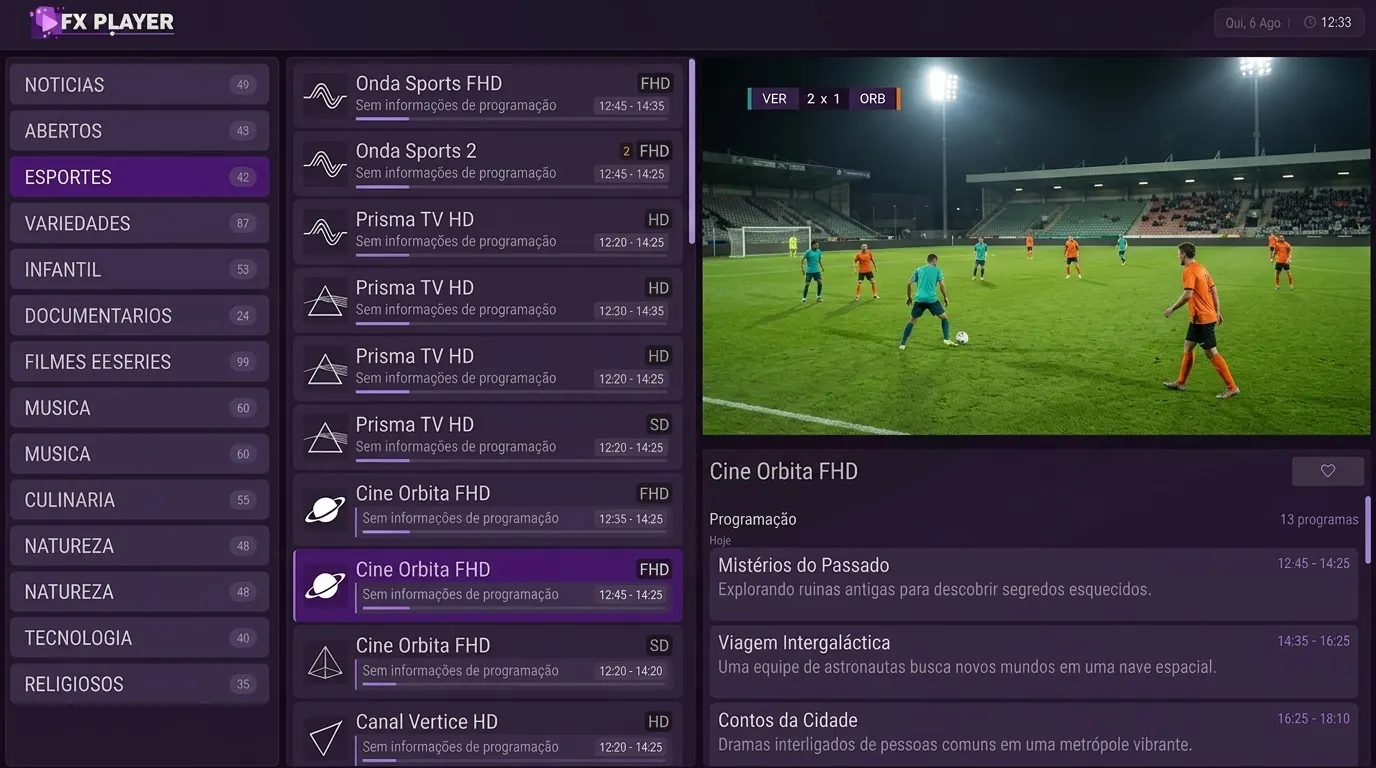
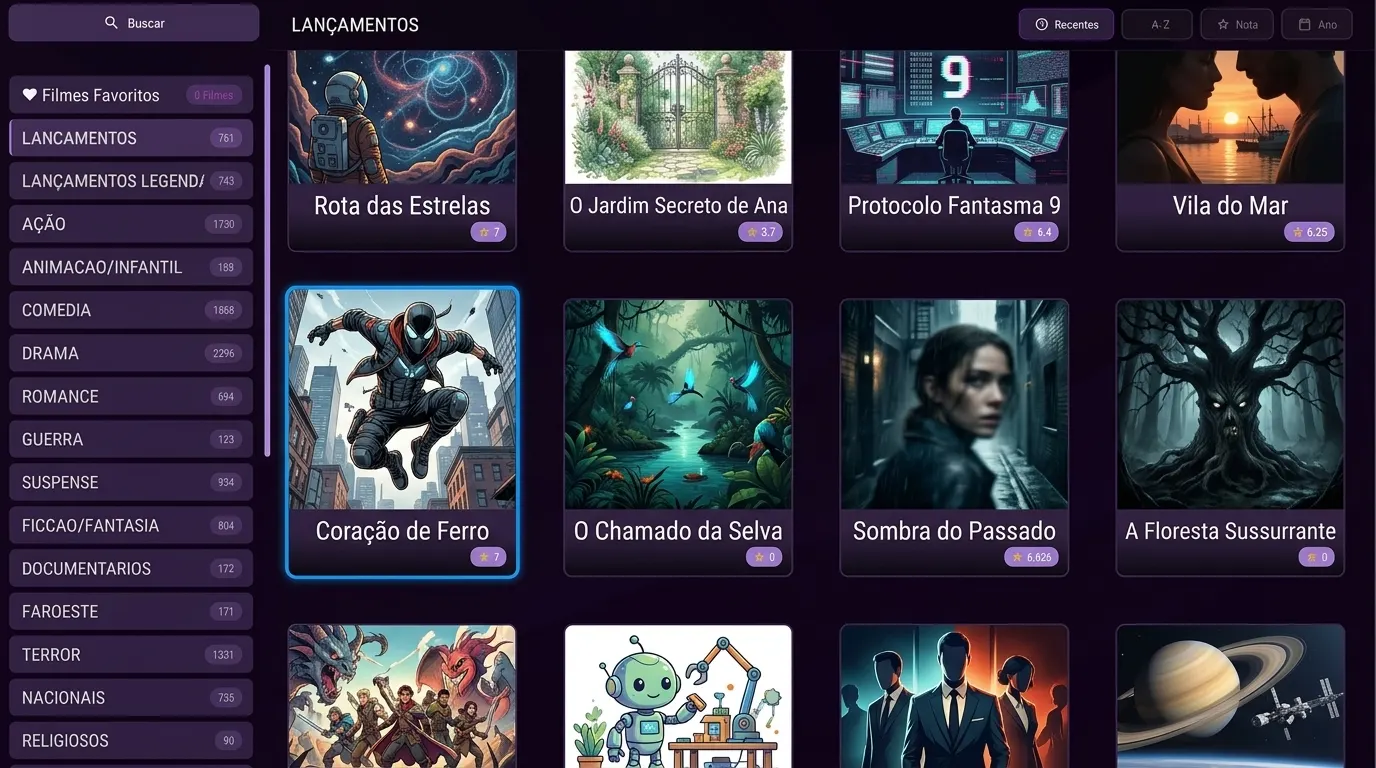
Home screen
Use the remote: switch screens with the arrows, with OK or with the shortcuts.
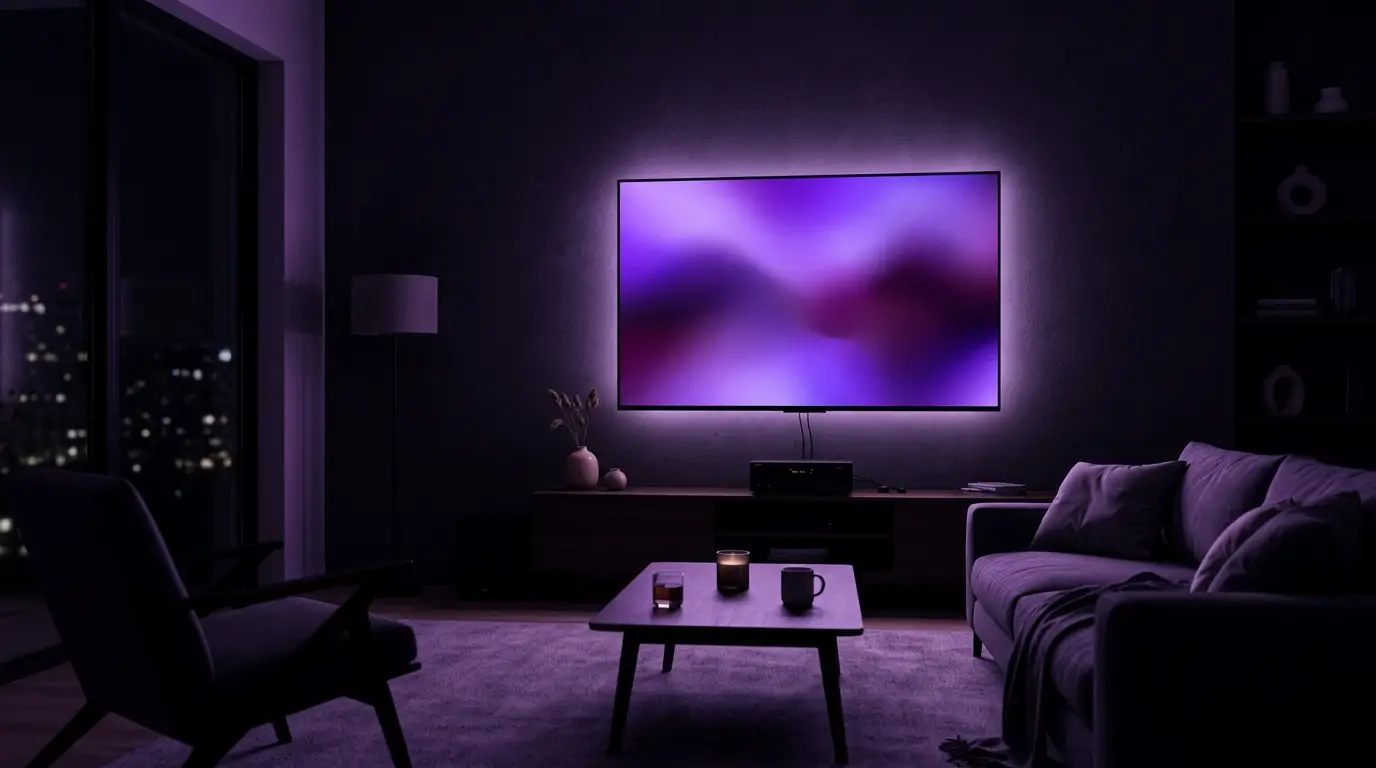
In your living room
Turn on the TV and the app opens exactly where you left off. No confusing menus, no hunting for the episode, no messy list. Just hit play.
How it works
On your phone or computer, in under a minute. On the TV, a QR Code takes you straight to sign-up — no typing with the remote.
Enter your media server details once. The app validates everything and tells you exactly what is wrong, with 10 distinct diagnostics.
On the TV, on the PC, everything organized and in sync: covers, synopses, favorites and the exact spot where you stopped.
Features
Dynamic banner and carousels with trending titles, cross-checked against what your playlist actually has.
Current program, next up and a live progress bar on every channel, straight from your server’s XMLTV.
Exact resume, per-episode progress, "X/N watched" per season and automatic next episode.
Detects adult categories on its own and locks them with a PIN. Adult content never enters your history.
Scans the whole catalog, ignores accents and uses the TV’s native keyboard. Voice search on supported TVs.
Floating always-on-top window plus casting to Chromecast or Samsung/LG TVs over DLNA.
Appearance updated remotely, with no app update needed. Pick yours in settings.
Automatic performance mode on older models: no blur, no heavy animations.
Pricing
15 days free to try, no credit card. You pay only for the application license — no content is included.
1 device
R$ 99,00 /year
annual player usage license
Start free trial3 devices
R$ 199,00 /year
R$ 66.33 per license/year
Start free trial5 devices
R$ 299,00 /year
R$ 59.80 per license/year
Start free trialEvery plan includes
Payment by credit card or PIX. You can also activate with an FX-XXXX-XXXX code purchased from a reseller.
For resellers
Access credentials stay encrypted and never travel in plain text. And when you need to switch servers, the change reaches every TV in seconds — nobody has to reconfigure anything.
See the programQuestions
No. FXTV Player is a media player. It plays the content from the server you provide. We do not host, distribute or have any control over the content.
No. It is 15 days free, no card required.
It depends on the plan: from 1 to 5 licenses. Each license covers one device, and if you switch TVs the license returns to the pool and the new one activates by itself.
LG with webOS 3.0 or newer (2016 onward) and Samsung with Tizen 4.0 or newer (2018 onward). There is also an app for Windows 10 and 11.
No. The system recognizes the same device.
Three ways: typing the FX-XXXX-XXXX code with the remote, scanning the QR Code with your phone, or asking your provider to activate it by MAC address.
Install it on your TV, add your playlist and see the difference on the very first screen.
FXTV Player is only a media player for M3U and Xtream Codes playlists. We do not provide, host or sell any kind of content.